Your notes are already where you think. Now they’re where the idea gets to be real.
The game beside this lives in a note. Yours can too: the AI you already use builds it right there in your note.Yours can too: write the idea down, then just ask for it — it is built right there in your note. Then send the link and play it with your friends.
 Stormspan by Mosaic house studio
Glazeworks by Mosaic house studio
Dusk Duel by Mosaic house studio
Hearthold by Mosaic house studio
Bowling by Ilia Grigorev (GPL-3.0)
Cave Runner by tope-olajide (MIT)
Pool LittleJS Arcade: Pool by Frank Force (MIT)
Mini Golf LittleJS Arcade: Mini Golf by Frank Force (MIT)
Kit Racer Starter Kit Racing by Kenney and mrdoob (MIT)
The noteBuild a kart racer on a beach circuit with drift boost, three laps, lap times, and rivals I can actually beat.
Beach kart circuit made from one note
The noteA canyon world with a river running through it.
Canyon River made from one note
The noteA calm koi pond I can just watch — fish drifting under lily pads, petals on the water.
Koi pond made from one note
The noteA shared trip planner for four of us going to the Lisbon coast, with a day-by-day itinerary, a map, bookings and who owes what.
A shared trip planner made from one note
Sprout, a pocket pet made from one note
Stormspan by Mosaic house studio
Glazeworks by Mosaic house studio
Dusk Duel by Mosaic house studio
Hearthold by Mosaic house studio
Bowling by Ilia Grigorev (GPL-3.0)
Cave Runner by tope-olajide (MIT)
Pool LittleJS Arcade: Pool by Frank Force (MIT)
Mini Golf LittleJS Arcade: Mini Golf by Frank Force (MIT)
Kit Racer Starter Kit Racing by Kenney and mrdoob (MIT)
The noteBuild a kart racer on a beach circuit with drift boost, three laps, lap times, and rivals I can actually beat.
Beach kart circuit made from one note
The noteA canyon world with a river running through it.
Canyon River made from one note
The noteA calm koi pond I can just watch — fish drifting under lily pads, petals on the water.
Koi pond made from one note
The noteA shared trip planner for four of us going to the Lisbon coast, with a day-by-day itinerary, a map, bookings and who owes what.
A shared trip planner made from one note
Sprout, a pocket pet made from one note
Free to start: 5 live apps, no card.
Download on the App Store · Web · Android soon
Play games with your friends.
Pick a game. Send the link. Your friends land in the same room — all they need is a free account.
Free. It starts right here — nothing to install.
Make a game just by asking.
Write your idea in a note, in plain words. The AI you already use builds it right there.A team of AI engineers builds it. Then you play it with your friends.
Free to start: 5 live apps, no card.
Build it here with your own AI.
Connect the AI you already use. It builds your game in your account and puts it live. Your friends play it from a link.
The guide shows the steps for your AI app.
Bring a game you already have.
An open-source classic, or one you made. Your own AI brings it in and adds a room for your friends. The game stays as it was written.
Every game keeps its author’s name and license.
What to do here
Play it. Share it. Make your own.
-
Play a game
Tap a game on this page and you are playing. Nothing to install.
Pick a game -
Bring a friend
Open the game in the app and share it. Your friend taps the link and lands in your room. All they need is a free account.
Open the app -
Make your own
Write your idea in a note. Connect the AI you already use and it builds the game right there in your note. Ask again to change it.Write your idea in a note, then just ask for it — it is built right there in your note. Ask again to change it.
Connect your AI Start a note
Live right now
Not screenshots. Tap any of them.
Four real games, running live. Tap one to play. Want a friend in it? Open it in the app and send them the link.
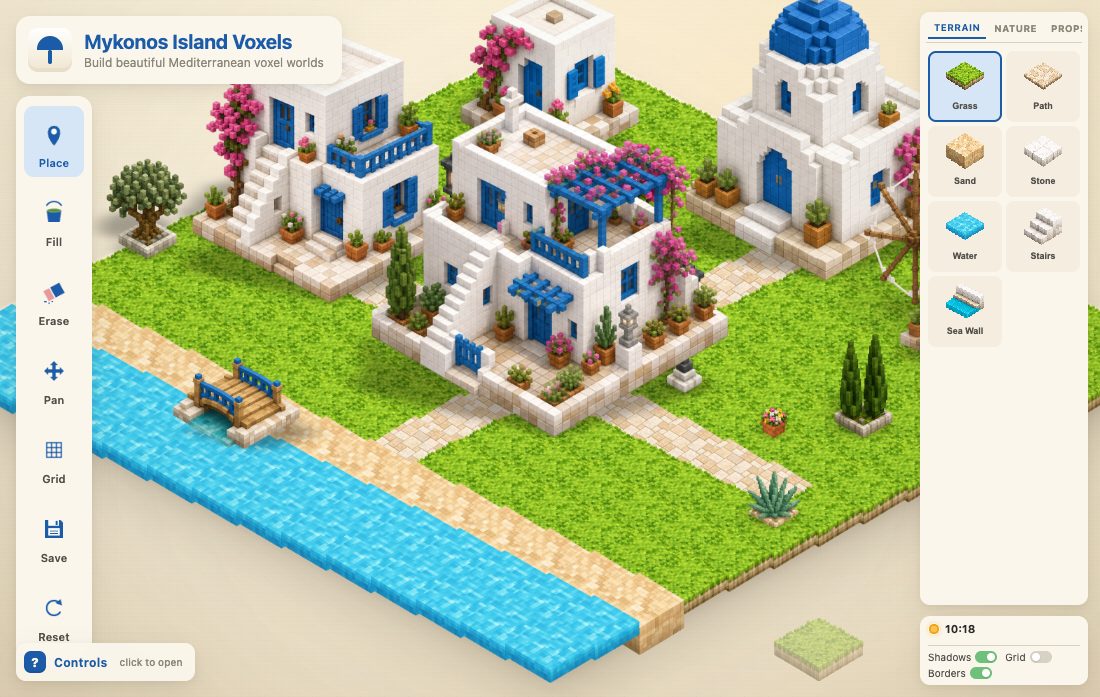 Mykonos Island — Build Together
Build a whitewashed island with friends — every tile one of you places appears for everyone.
Mykonos Island Voxels by boona13 (MIT)
Mykonos Island — Build Together
Build a whitewashed island with friends — every tile one of you places appears for everyone.
Mykonos Island Voxels by boona13 (MIT)
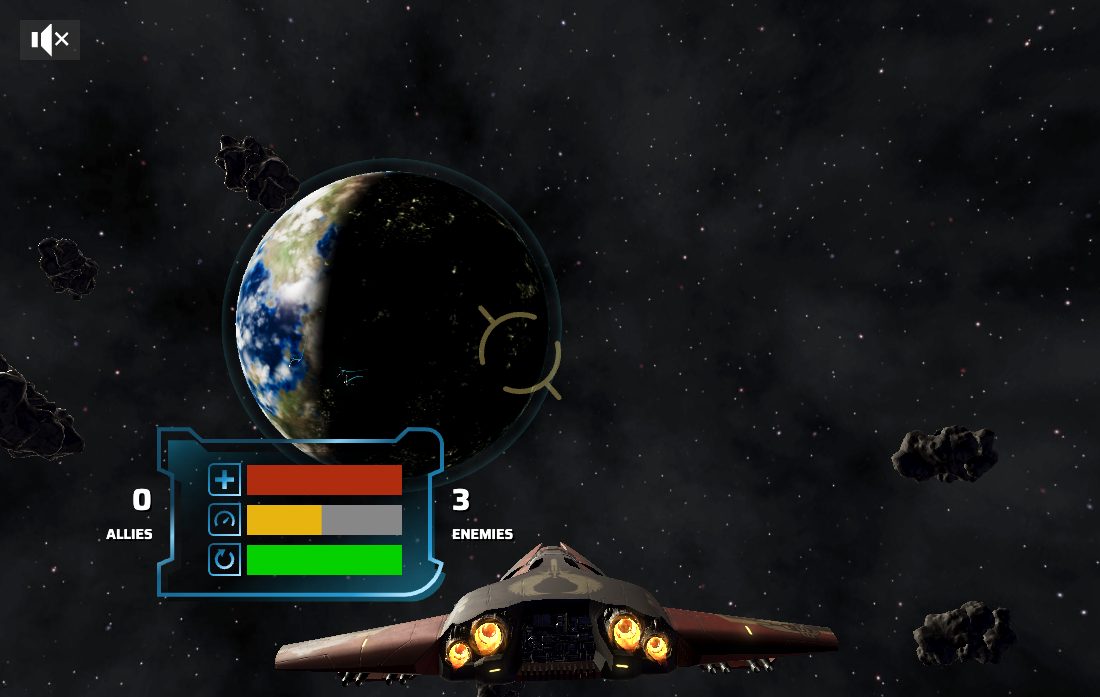 Space Pirates — Squadron
Fly a squadron with your friends against pirate raiders, every pilot live.
Space Pirates by the Babylon.js team (Apache-2.0)
Space Pirates — Squadron
Fly a squadron with your friends against pirate raiders, every pilot live.
Space Pirates by the Babylon.js team (Apache-2.0)
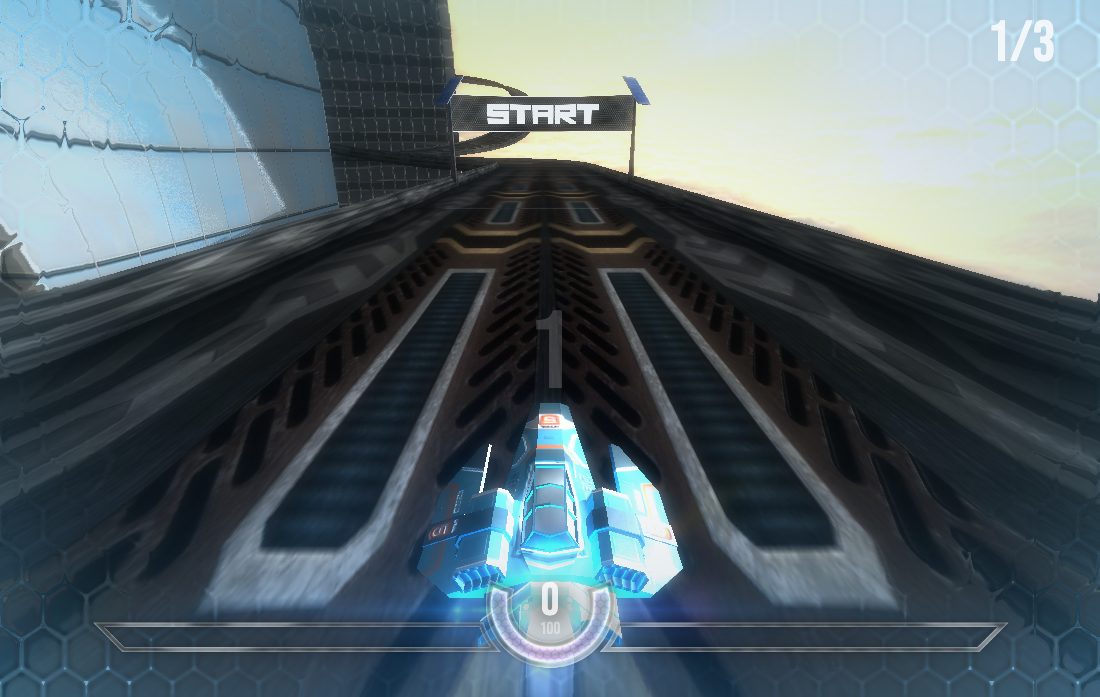 HexGL — Ghost Racing
Anti-gravity racing where friends on the track fly beside you as glowing ghosts.
HexGL by Thibaut Despoulain (MIT)
HexGL — Ghost Racing
Anti-gravity racing where friends on the track fly beside you as glowing ghosts.
HexGL by Thibaut Despoulain (MIT)
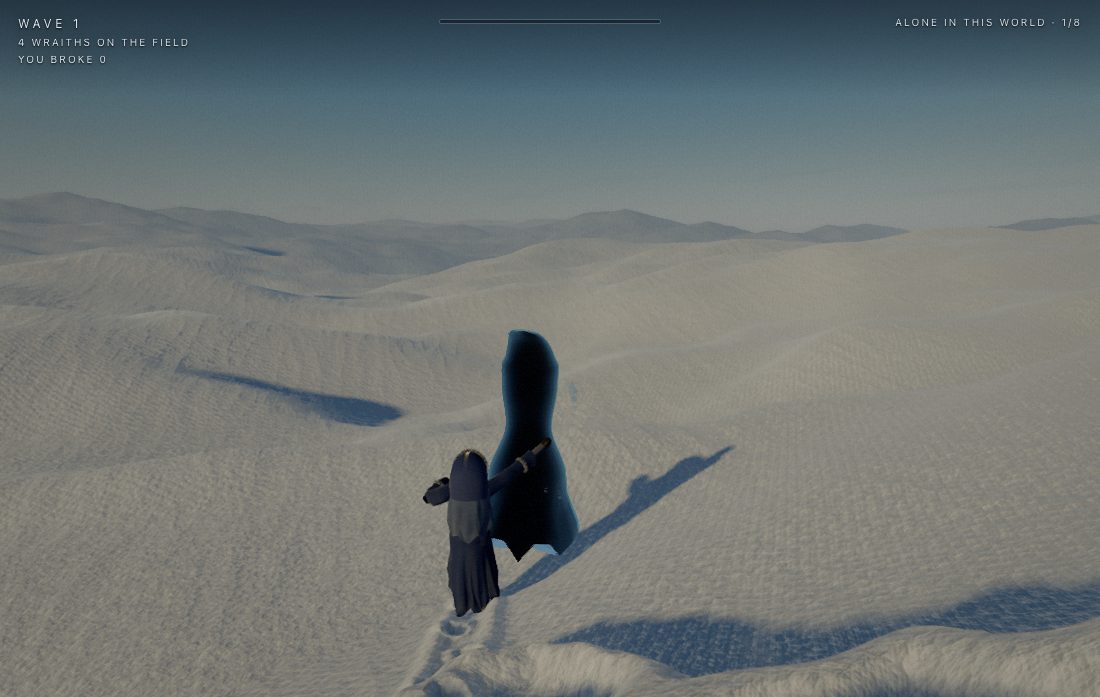 Snowflow
Surf a living snowscape on a wave of frost, while wraiths hunt you and your friends.
Plays on a computer — it needs a desktop browser with WebGPU.
Snowflow by Maksymilian Dendura (MIT)
Snowflow
Surf a living snowscape on a wave of frost, while wraiths hunt you and your friends.
Plays on a computer — it needs a desktop browser with WebGPU.
Snowflow by Maksymilian Dendura (MIT)
Connect your own AI
Your AI builds it. Your friends play it.
Connect the AI you already use to your NotesMosaic account. It can build a game for you, or bring one you made.
Build with your own AI
Add NotesMosaic to your AI app — the guide has the steps for each one. Your AI builds in your account and hands you a play link for every version.
Connect your AIChecked on your own devices
Before a game goes live it is run on your own devices: on a big screen and at phone size — and with two players in one room if it’s multiplayer.
How it worksUpdate it live
Push a new version to every player in seconds. Something off? One step puts the last version back.
See the stepsFor creators: half of what a game’s ad breaks bring in goes to the person who made it — once the game is certified and reviewed. The creator program’s terms
The arcade
Games you already love. Now with your friends in them.
33 open-source classics, each credited to the person who wrote it, and 7 originals from our own studio. Tap one to play. Want friends in it? Open it in the app and send them the link.
Runners 6
One thumb, one more try.
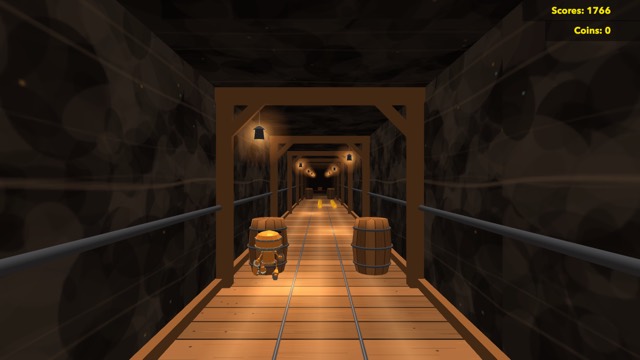 Cave Runner
Sprint down a lamp-lit mine: swipe to change lane, jump the spikes, slide under the beams, grab the coins and unlock new runners.
Cave Runner by tope-olajide (MIT)
Play
Cave Runner
Sprint down a lamp-lit mine: swipe to change lane, jump the spikes, slide under the beams, grab the coins and unlock new runners.
Cave Runner by tope-olajide (MIT)
Play
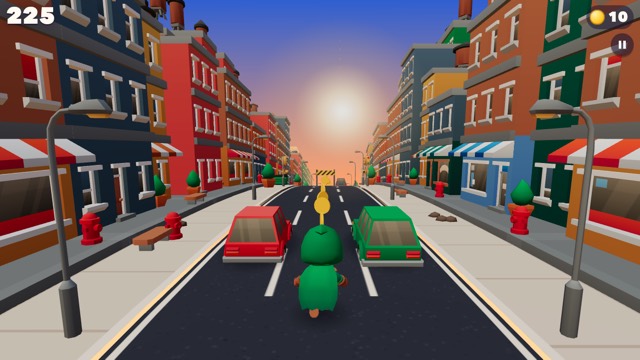 Downtown Dash
Sprint down a sunset city street: swipe to change lane, jump the barriers, roll under the gates, dodge the traffic, grab coins and power-ups, unlock new runners.
Downtown Dash by Mosaic house studio (MIT)
Play
Downtown Dash
Sprint down a sunset city street: swipe to change lane, jump the barriers, roll under the gates, dodge the traffic, grab coins and power-ups, unlock new runners.
Downtown Dash by Mosaic house studio (MIT)
Play
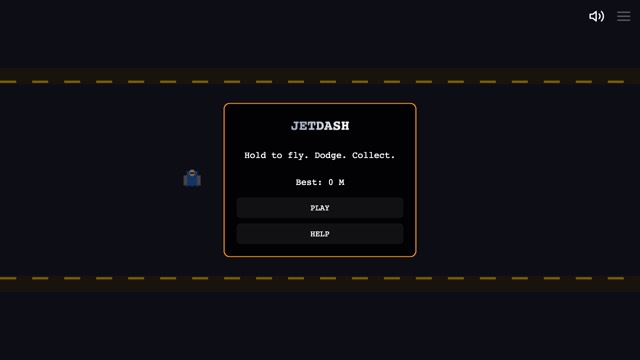 Jetdash
Hold to boost, release to fall — dodge everything for as long as you can.
LittleJS Arcade: Jetdash by Frank Force (MIT)
Play
Jetdash
Hold to boost, release to fall — dodge everything for as long as you can.
LittleJS Arcade: Jetdash by Frank Force (MIT)
Play
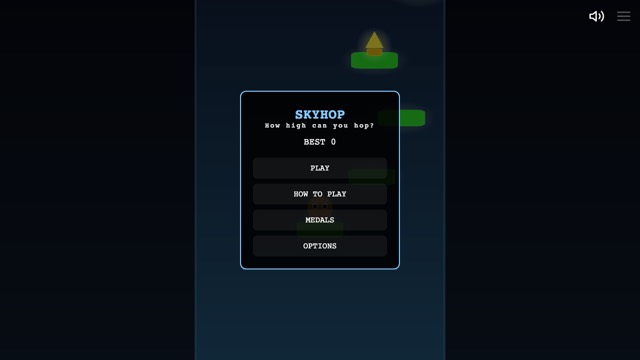 Skyhop
Bounce from platform to platform, higher and higher — one slip and it is a long way down.
LittleJS Arcade: Skyhop by Frank Force (MIT)
Play
Skyhop
Bounce from platform to platform, higher and higher — one slip and it is a long way down.
LittleJS Arcade: Skyhop by Frank Force (MIT)
Play
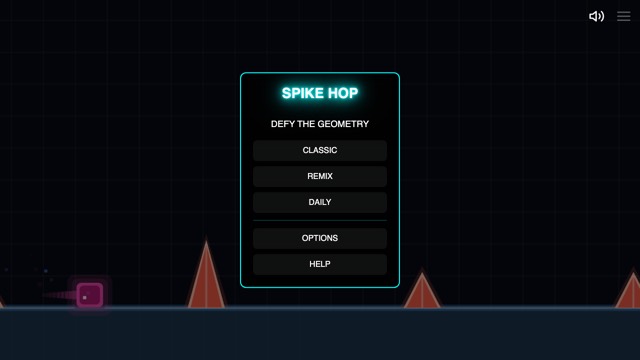 Spike Hop
One button: jump the spikes, ride the pads and reach the end of each level.
LittleJS Arcade: Geometry Jump by Frank Force (MIT)
Play
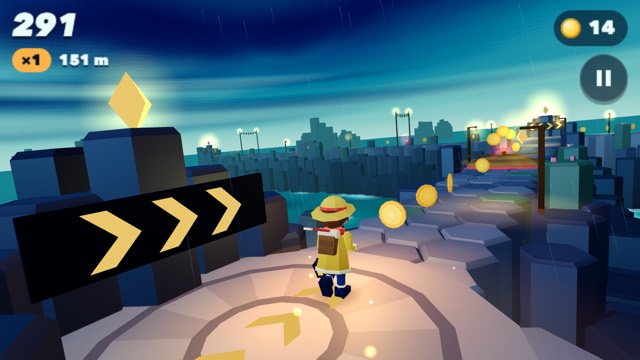
Stormspan
Outrun the squall along a storm-lit causeway of six-sided stones: swipe to turn at each corner, jump the gaps, slide under the spars and drag sideways to sweep up coins.
Stormspan by Mosaic house studio (MIT)
Play
Spike Hop
One button: jump the spikes, ride the pads and reach the end of each level.
LittleJS Arcade: Geometry Jump by Frank Force (MIT)
Play
Stormspan
Outrun the squall along a storm-lit causeway of six-sided stones: swipe to turn at each corner, jump the gaps, slide under the spars and drag sideways to sweep up coins.
Stormspan by Mosaic house studio (MIT)
Play
Sports 5
Tables, courts and courses with real physics.
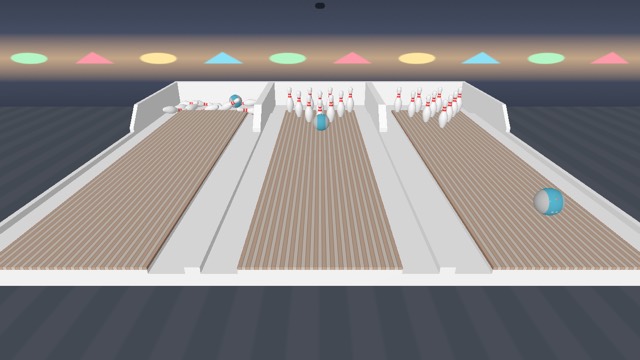 Bowling
Ten-pin bowling with real physics: drag the ball to line it up, flick it down the lane, chase the strike.
Bowling by Ilia Grigorev (GPL-3.0)
Play
Bowling
Ten-pin bowling with real physics: drag the ball to line it up, flick it down the lane, chase the strike.
Bowling by Ilia Grigorev (GPL-3.0)
Play
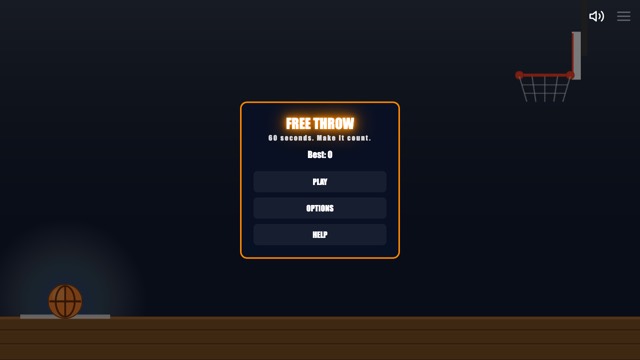 Free Throw
Sink as many free throws as you can before the clock runs out.
LittleJS Arcade: Free Throw by Frank Force (MIT)
Play
Free Throw
Sink as many free throws as you can before the clock runs out.
LittleJS Arcade: Free Throw by Frank Force (MIT)
Play
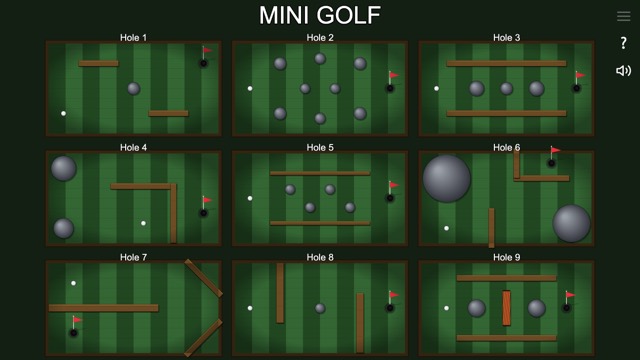 Mini Golf
Putt across tricky little courses in as few strokes as you can.
LittleJS Arcade: Mini Golf by Frank Force (MIT)
Play
Mini Golf
Putt across tricky little courses in as few strokes as you can.
LittleJS Arcade: Mini Golf by Frank Force (MIT)
Play
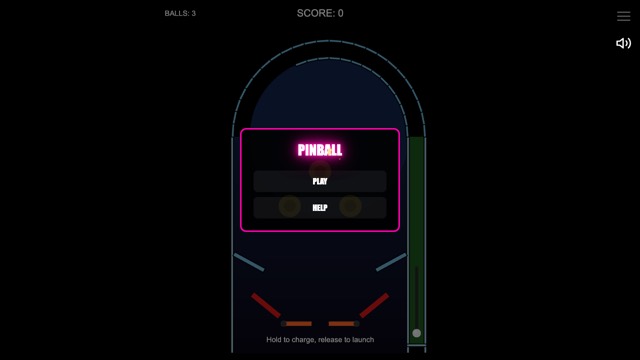 Pinball
Launch, flip and keep the ball alive.
LittleJS Arcade: Pinball by Frank Force (MIT)
Play
Pinball
Launch, flip and keep the ball alive.
LittleJS Arcade: Pinball by Frank Force (MIT)
Play
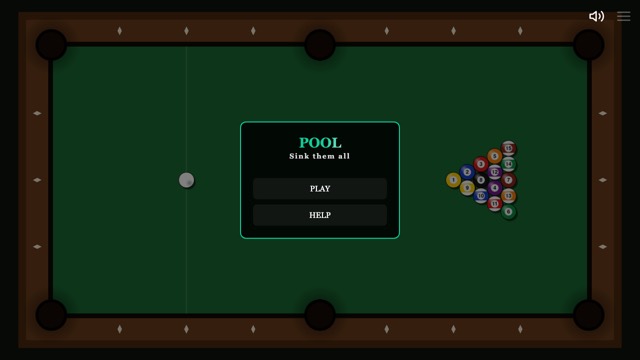 Pool
Cue up, read the angles and sink every ball.
LittleJS Arcade: Pool by Frank Force (MIT)
Play
Pool
Cue up, read the angles and sink every ball.
LittleJS Arcade: Pool by Frank Force (MIT)
Play
Board games 5
Two players, two devices: choose player vs player and a friend in your room is your opponent.
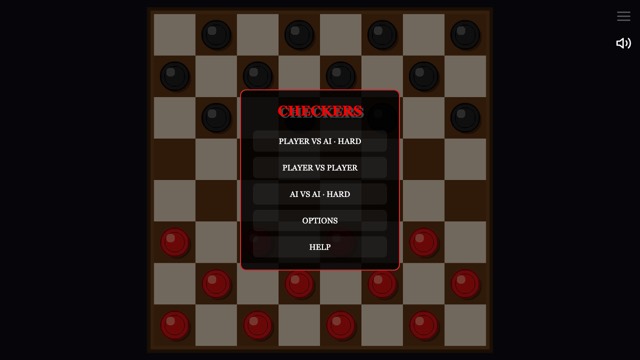 Checkers
Jump to capture, reach the far side and crown your king.
LittleJS Arcade: Checkers by Frank Force (MIT)
Play
Checkers
Jump to capture, reach the far side and crown your king.
LittleJS Arcade: Checkers by Frank Force (MIT)
Play
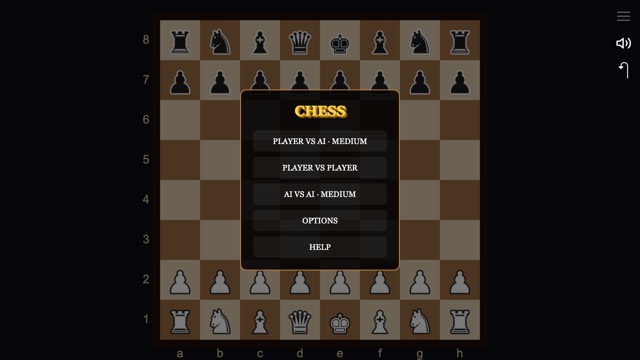 Chess
The game of kings. Play a friend in the same room, or the computer.
LittleJS Arcade: Chess by Frank Force (MIT)
Play
Chess
The game of kings. Play a friend in the same room, or the computer.
LittleJS Arcade: Chess by Frank Force (MIT)
Play
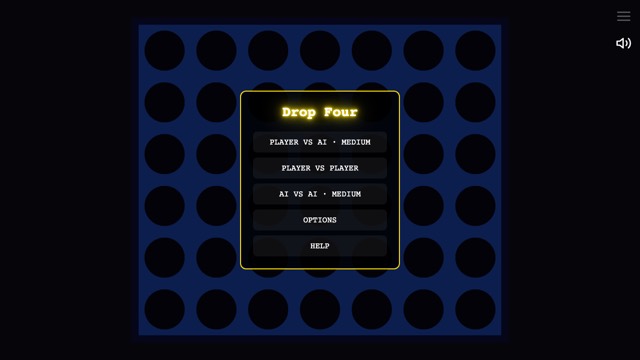 Drop Four
Drop discs and line up four before your rival does.
LittleJS Arcade: Drop Four by Frank Force (MIT)
Play
Drop Four
Drop discs and line up four before your rival does.
LittleJS Arcade: Drop Four by Frank Force (MIT)
Play
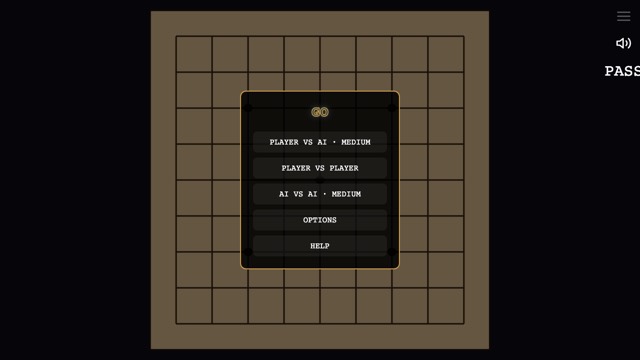 Go
Surround territory on a 9×9 board.
LittleJS Arcade: Go by Frank Force (MIT)
Play
Go
Surround territory on a 9×9 board.
LittleJS Arcade: Go by Frank Force (MIT)
Play
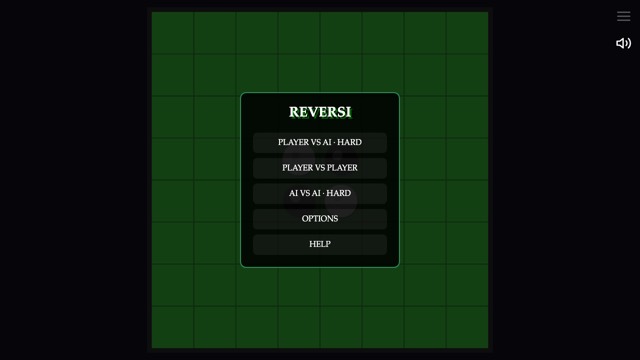 Reversi
Flank your rival's discs to flip them — the board can turn in one move.
LittleJS Arcade: Reversi by Frank Force (MIT)
Play
Reversi
Flank your rival's discs to flip them — the board can turn in one move.
LittleJS Arcade: Reversi by Frank Force (MIT)
Play
Puzzle 6
Match, aim, clear, solve.
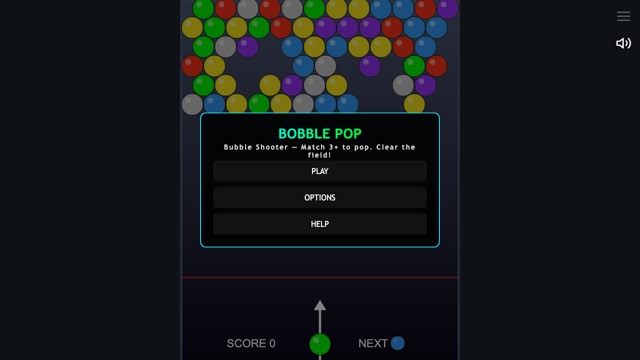 Bobble Pop
Aim, bounce off the walls and pop matching bubbles before they reach the bottom.
LittleJS Arcade: Bobble Pop by Frank Force (MIT)
Play
Bobble Pop
Aim, bounce off the walls and pop matching bubbles before they reach the bottom.
LittleJS Arcade: Bobble Pop by Frank Force (MIT)
Play
 Crate Pusher
Push every crate onto its target — you can push, never pull.
LittleJS Arcade: Sokoban by Frank Force (MIT)
Play
Crate Pusher
Push every crate onto its target — you can push, never pull.
LittleJS Arcade: Sokoban by Frank Force (MIT)
Play
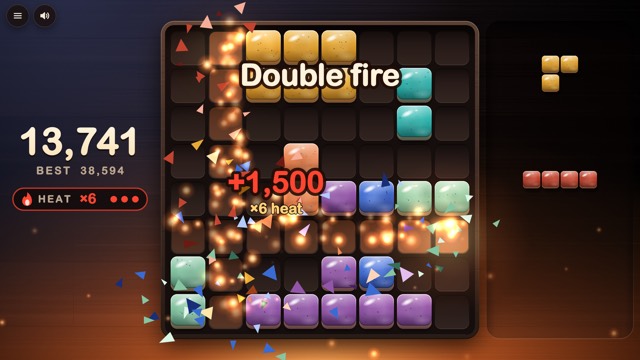 Glazeworks
Drag glazed tiles onto an 8 by 8 table, three pieces at a time, and fill a row or a column to fire it.
Glazeworks by Mosaic house studio (MIT)
Play
Glazeworks
Drag glazed tiles onto an 8 by 8 table, three pieces at a time, and fill a row or a column to fire it.
Glazeworks by Mosaic house studio (MIT)
Play
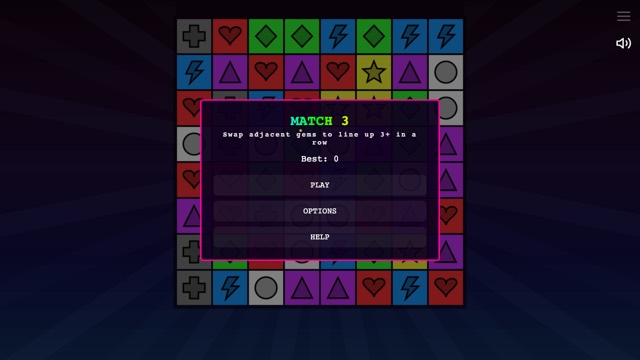 Match Three
Swap gems, match three, chain the combos.
LittleJS Arcade: Match Three by Frank Force (MIT)
Play
Match Three
Swap gems, match three, chain the combos.
LittleJS Arcade: Match Three by Frank Force (MIT)
Play
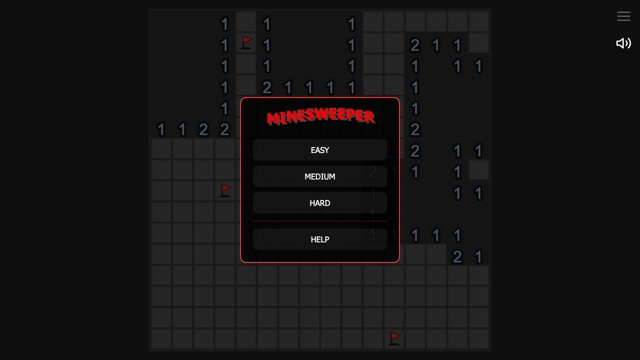 Minesweeper
Read the numbers, flag the mines, clear the field.
LittleJS Arcade: Minesweeper by Frank Force (MIT)
Play
Minesweeper
Read the numbers, flag the mines, clear the field.
LittleJS Arcade: Minesweeper by Frank Force (MIT)
Play
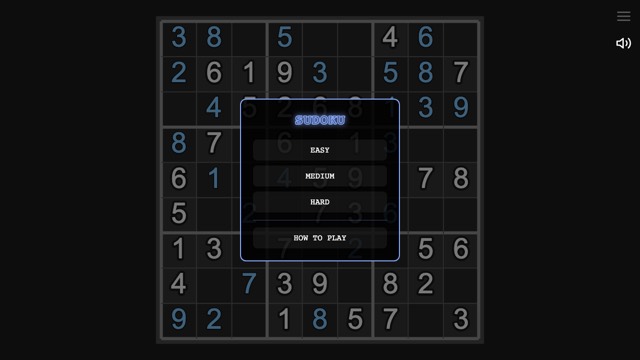 Sudoku
Fill the grid so every row, column and box holds 1 to 9.
LittleJS Arcade: Sudoku by Frank Force (MIT)
Play
Sudoku
Fill the grid so every row, column and box holds 1 to 9.
LittleJS Arcade: Sudoku by Frank Force (MIT)
Play
Racing 4
Top-down, pseudo-3D and full 3D.
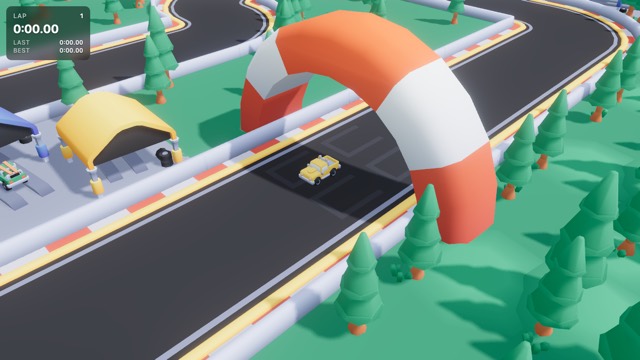 Kit Racer
Drift a little truck around a toy track in 3D: tyre smoke, skid marks, lap times and a best lap to beat.
Starter Kit Racing by Kenney and mrdoob (MIT)
Play
Kit Racer
Drift a little truck around a toy track in 3D: tyre smoke, skid marks, lap times and a best lap to beat.
Starter Kit Racing by Kenney and mrdoob (MIT)
Play
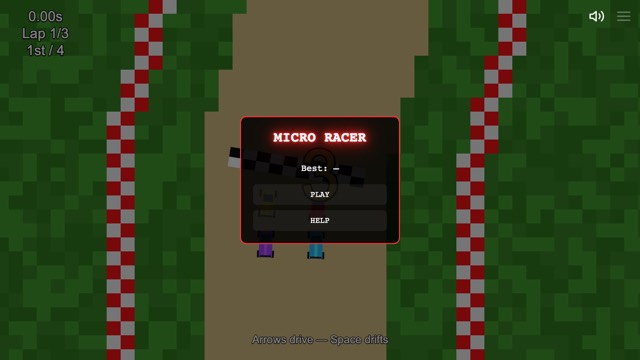 Micro Racer
Race tiny cars around tight tracks — physics, drifts and close finishes.
LittleJS Arcade: Micro Racer by Frank Force (MIT)
Play
Micro Racer
Race tiny cars around tight tracks — physics, drifts and close finishes.
LittleJS Arcade: Micro Racer by Frank Force (MIT)
Play
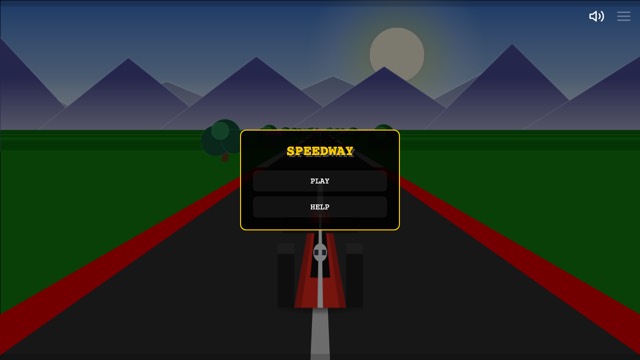 Speedway
Pass the pack and beat the clock on a pseudo-3D road.
LittleJS Arcade: Speedway by Frank Force (MIT)
Play
Speedway
Pass the pack and beat the clock on a pseudo-3D road.
LittleJS Arcade: Speedway by Frank Force (MIT)
Play
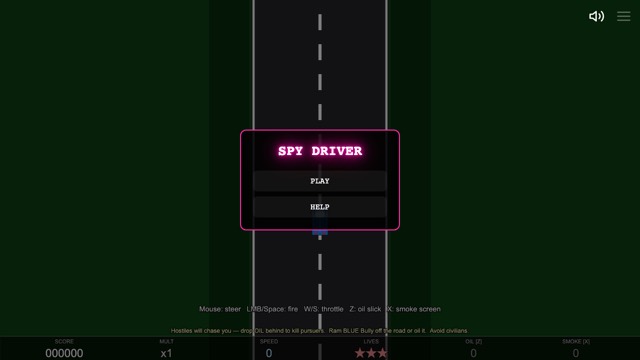 Spy Driver
Drive fast, shoot straight and keep the civilians safe.
LittleJS Arcade: Spy Driver by Frank Force (MIT)
Play
Spy Driver
Drive fast, shoot straight and keep the civilians safe.
LittleJS Arcade: Spy Driver by Frank Force (MIT)
Play
Arcade 5
Shooters, defenders and reflex games — quick to start, hard to put down.
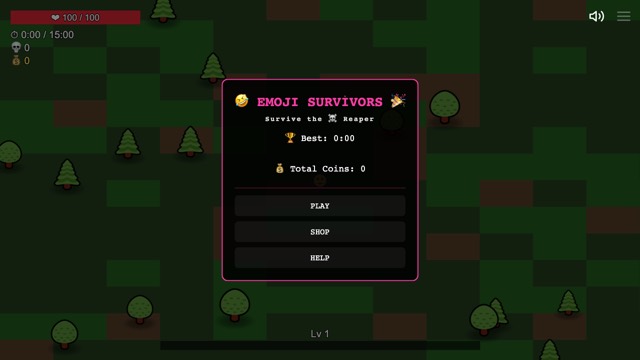 Emoji Survivors
Outlast the emoji horde: move, level up, stack weapons and see how long you last.
LittleJS Arcade: Emoji Survivors by Frank Force (MIT)
Play
Emoji Survivors
Outlast the emoji horde: move, level up, stack weapons and see how long you last.
LittleJS Arcade: Emoji Survivors by Frank Force (MIT)
Play
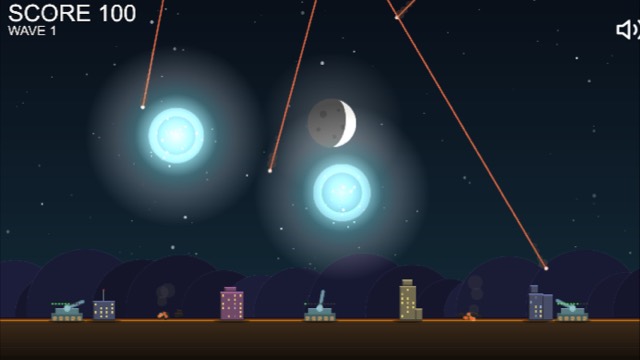 Missile Defense
Incoming! Tap or click to launch interceptors and keep your cities standing, wave after wave.
LittleJS Arcade: Missile Defense by Frank Force (MIT)
Play
Missile Defense
Incoming! Tap or click to launch interceptors and keep your cities standing, wave after wave.
LittleJS Arcade: Missile Defense by Frank Force (MIT)
Play
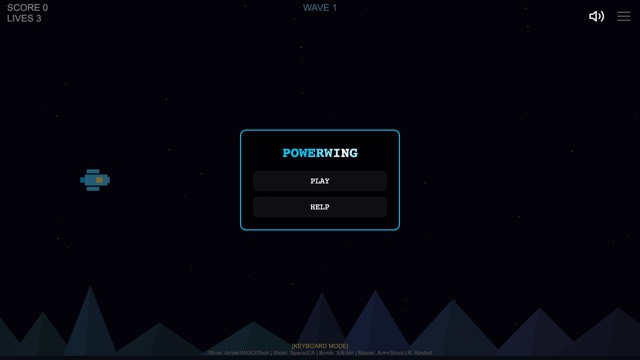 Powerwing
A side-scrolling space shooter: blast through the waves and power up your wing.
LittleJS Arcade: Powerwing by Frank Force (MIT)
Play
Powerwing
A side-scrolling space shooter: blast through the waves and power up your wing.
LittleJS Arcade: Powerwing by Frank Force (MIT)
Play
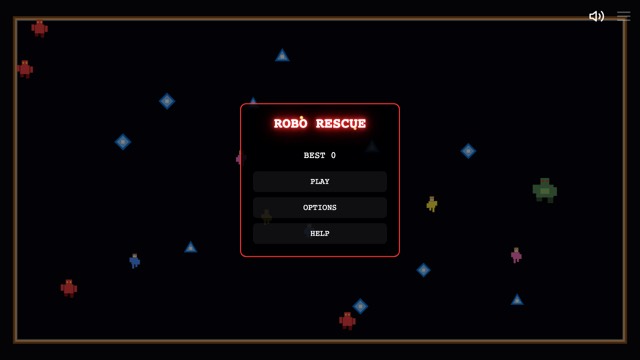 Robo Rescue
A twin-stick arena shooter: destroy the robots, save the humans, survive the wave.
LittleJS Arcade: Robo Rescue by Frank Force (MIT)
Play
Robo Rescue
A twin-stick arena shooter: destroy the robots, save the humans, survive the wave.
LittleJS Arcade: Robo Rescue by Frank Force (MIT)
Play
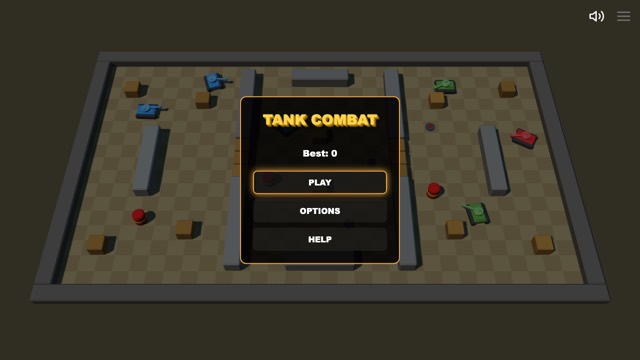 Tank Combat
Bank your shots off the walls and clear wave after wave of enemy tanks.
LittleJS Arcade: Tank Combat by Frank Force (MIT)
Play
Tank Combat
Bank your shots off the walls and clear wave after wave of enemy tanks.
LittleJS Arcade: Tank Combat by Frank Force (MIT)
Play
Cards 2
The solitaires everyone knows.
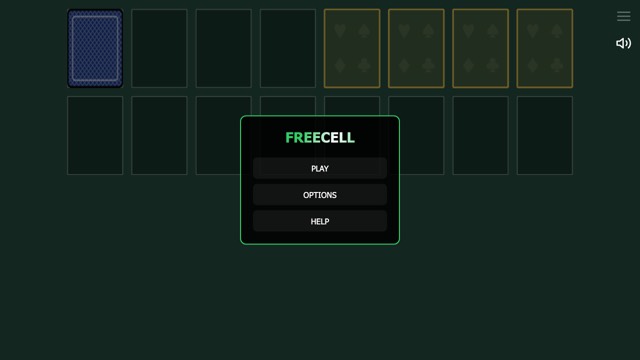 FreeCell Solitaire
Every card is face up and almost every deal can be won — sort them all home.
LittleJS Arcade: FreeCell Solitaire by Frank Force (MIT)
Play
FreeCell Solitaire
Every card is face up and almost every deal can be won — sort them all home.
LittleJS Arcade: FreeCell Solitaire by Frank Force (MIT)
Play
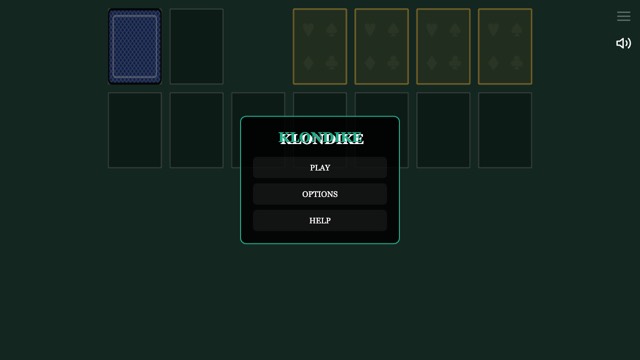 Klondike Solitaire
The solitaire everyone knows: build the foundations from ace to king.
LittleJS Arcade: Klondike Solitaire by Frank Force (MIT)
Play
Klondike Solitaire
The solitaire everyone knows: build the foundations from ace to king.
LittleJS Arcade: Klondike Solitaire by Frank Force (MIT)
Play
Strategy 3
Plan, build and take the map.
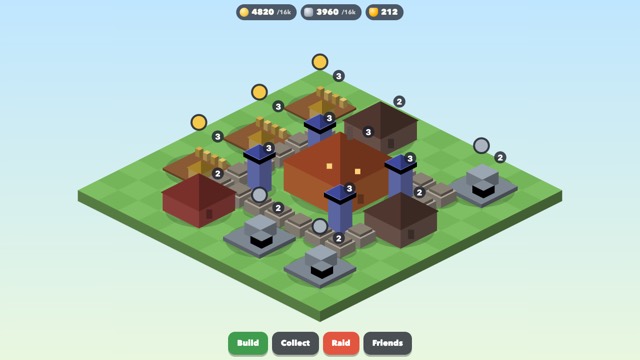 Hearthold
Build a village around your hearth: farms and quarries that work while you are away, depots, watchtowers, walls and a barracks.
Hearthold by Mosaic house studio (MIT)
Play
Hearthold
Build a village around your hearth: farms and quarries that work while you are away, depots, watchtowers, walls and a barracks.
Hearthold by Mosaic house studio (MIT)
Play
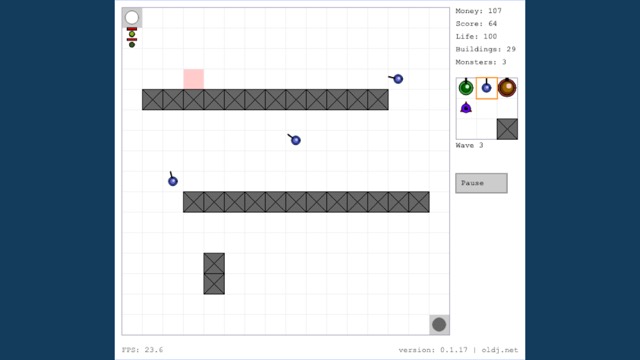 Maze Tower Defense
Build your own maze of cannons, lasers and walls, and hold the line against wave after wave.
HTML5 Tower Defense by oldj (MIT)
Play
Maze Tower Defense
Build your own maze of cannons, lasers and walls, and hold the line against wave after wave.
HTML5 Tower Defense by oldj (MIT)
Play
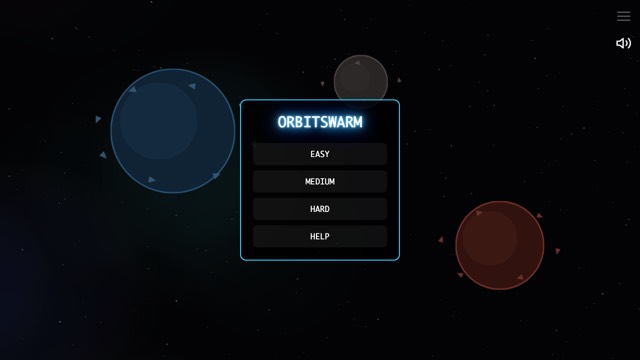 OrbitSwarm
Build ships, send your swarm from planet to planet and take the galaxy.
LittleJS Arcade: OrbitSwarm by Frank Force (MIT)
Play
OrbitSwarm
Build ships, send your swarm from planet to planet and take the galaxy.
LittleJS Arcade: OrbitSwarm by Frank Force (MIT)
Play
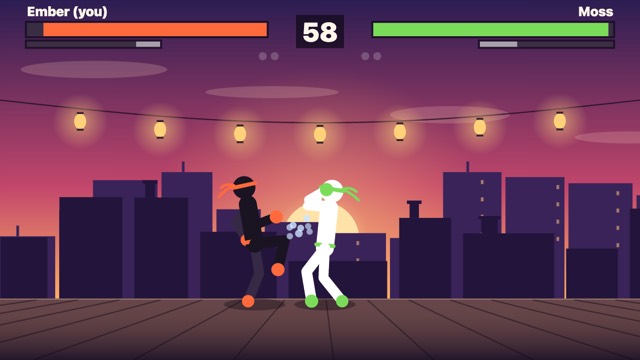
Fighting 1
One on one, best of three — against the computer or a friend in your room.
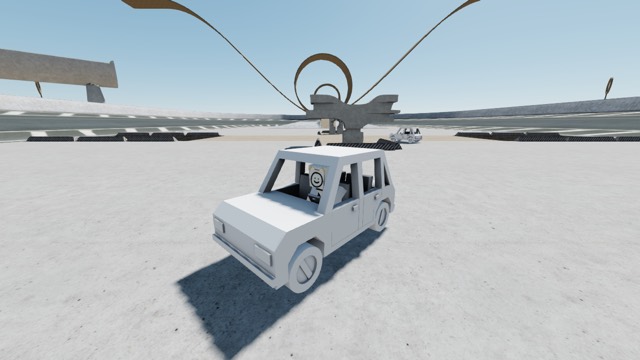
3D worlds 1
Open places to roam on foot, on wheels and in the air — with your friends in them.
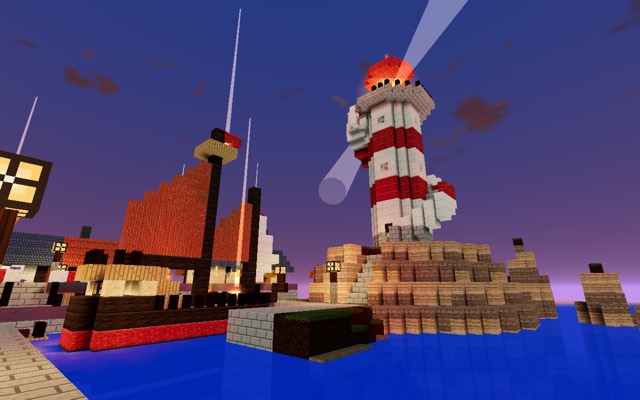
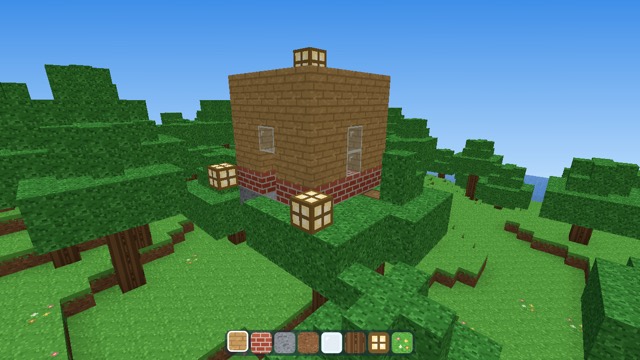
Voxel worlds 2
Islands of blocks to explore, dig and build on — every change shared with the friends beside you.
Open-source games by their authors, changed by NotesMosaic so friends can play them together — the four live games above and every game in the arcade. The originals and their licenses:
- Snowflow · MIT · © 2026 Maksymilian Dendura
- Mykonos Island Voxels · MIT · © 2026 boona13
- Space Pirates · Apache-2.0 · the Babylon.js team
- HexGL · MIT · © 2015 Thibaut Despoulain
- LittleJS Arcade: Emoji Survivors · MIT · Frank Force
- LittleJS Arcade: Missile Defense · MIT · Frank Force
- LittleJS Arcade: Powerwing · MIT · Frank Force
- LittleJS Arcade: Robo Rescue · MIT · Frank Force
- LittleJS Arcade: Tank Combat · MIT · Frank Force
- LittleJS Arcade: Checkers · MIT · Frank Force
- LittleJS Arcade: Chess · MIT · Frank Force
- LittleJS Arcade: Drop Four · MIT · Frank Force
- LittleJS Arcade: Go · MIT · Frank Force
- LittleJS Arcade: Reversi · MIT · Frank Force
- LittleJS Arcade: FreeCell Solitaire · MIT · Frank Force
- LittleJS Arcade: Klondike Solitaire · MIT · Frank Force
- LittleJS Arcade: Bobble Pop · MIT · Frank Force
- LittleJS Arcade: Sokoban · MIT · Frank Force
- LittleJS Arcade: Match Three · MIT · Frank Force
- LittleJS Arcade: Minesweeper · MIT · Frank Force
- LittleJS Arcade: Sudoku · MIT · Frank Force
- Starter Kit Racing · MIT · Kenney and mrdoob
- LittleJS Arcade: Micro Racer · MIT · Frank Force
- LittleJS Arcade: Speedway · MIT · Frank Force
- LittleJS Arcade: Spy Driver · MIT · Frank Force
- Cave Runner · MIT · tope-olajide
- KayKit Adventurers · CC0-1.0 · Kay Lousberg
- KayKit City Builder Bits · CC0-1.0 · Kay Lousberg
- LittleJS Arcade: Jetdash · MIT · Frank Force
- LittleJS Arcade: Skyhop · MIT · Frank Force
- LittleJS Arcade: Geometry Jump · MIT · Frank Force
- Bowling · GPL-3.0 · Ilia Grigorev
- LittleJS Arcade: Free Throw · MIT · Frank Force
- LittleJS Arcade: Mini Golf · MIT · Frank Force
- LittleJS Arcade: Pinball · MIT · Frank Force
- LittleJS Arcade: Pool · MIT · Frank Force
- HTML5 Tower Defense · MIT · oldj
- LittleJS Arcade: OrbitSwarm · MIT · Frank Force
- Sketchbook · MIT · swift502
Fun first. Affordable, plainly.
Playing and joining a friend's world is always free — all a friend needs is a free account. Mosa chat is unlimited on every plan. Paid plans lift the build limits and add room; Basic halves the ads, and Plus and Pro play without ads.
- 5 live apps at a time — delete one, free a slot
- 15 edits a day
- Unlimited Mosa chat
- 50 MB of notes and builds
- Share links — friends join free with an account
- Unlimited builds and edits
- $2 of Mosa AI credits a month
- 200 MB of notes and builds
- Half the ads — a break every 30 minutes of play
- Everything in Basic
- No ads
- $4 of Mosa AI credits a month
- 1 GB of notes and builds
- Everything in Plus
- No ads
- $6 of Mosa AI credits a month
- 2 GB of notes and builds
On the free plan an ad plays no more than about once every 15 minutes of play (Basic: every 30; Plus and Pro: never) — between games, as you leave full screen, or at a game’s natural pause (a level’s end, a game over, the menu). In a game played straight through, an ad plays after a ten-second countdown on screen. For creators: half of what a game’s ad breaks earn goes to the person who made it, with a share of the feed’s ads by play time, once the game is certified and reviewed. The creator program’s terms.
Your next note could hold a whole world.
Your notes are already where you think. Now they are where the idea gets to be real — your writing, your files, the conversation and the game itself, all on one page. Free to start; friends join free with an account.
Questions? We answer fast — notesmosaic@gmail.com